
Describe the symptoms
Describe the purpose, participants or project scope. This helps us select a suitable format rather than promise an outcome before understanding the brief.
Gaming electronics, handled through a clear diagnostic process.
Repair scope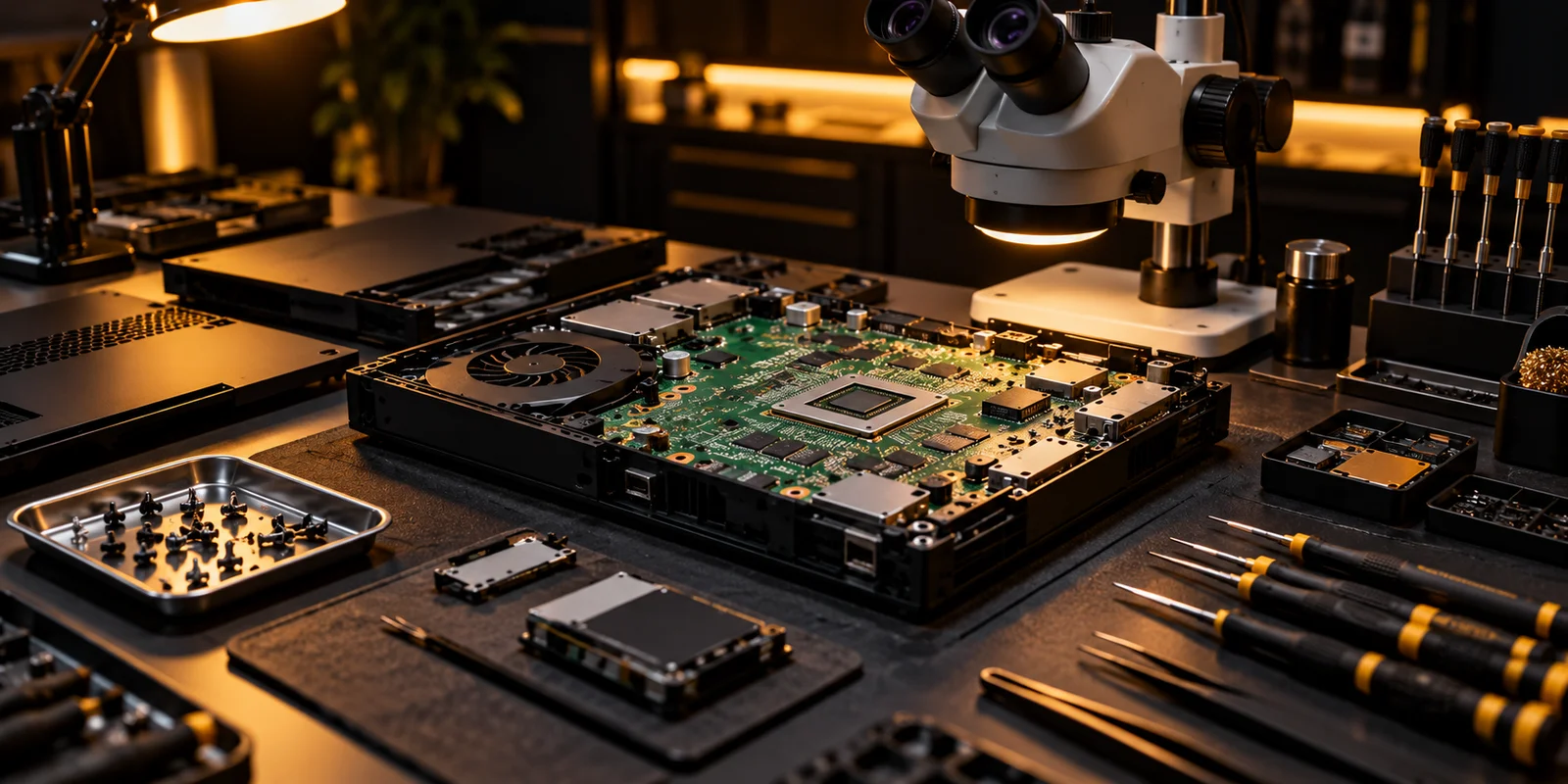
Back up important data where possible and remove accessories that are not needed for the inspection. Record what is handed over and discuss whether account access or storage checks are necessary. Do not send passwords in an initial enquiry. Data handling, unrepairable-device charges and warranty terms should match the actual agreed repair scope.
An inspection can identify a likely repair without making every replacement necessary. Before work proceeds, the owner should understand the proposed scope and how additional findings will be handled. Collection is also part of the process: explain what was checked and preserve the agreed service information for future reference. A description of the symptoms and device history gives a repair assessment a useful technical starting point.
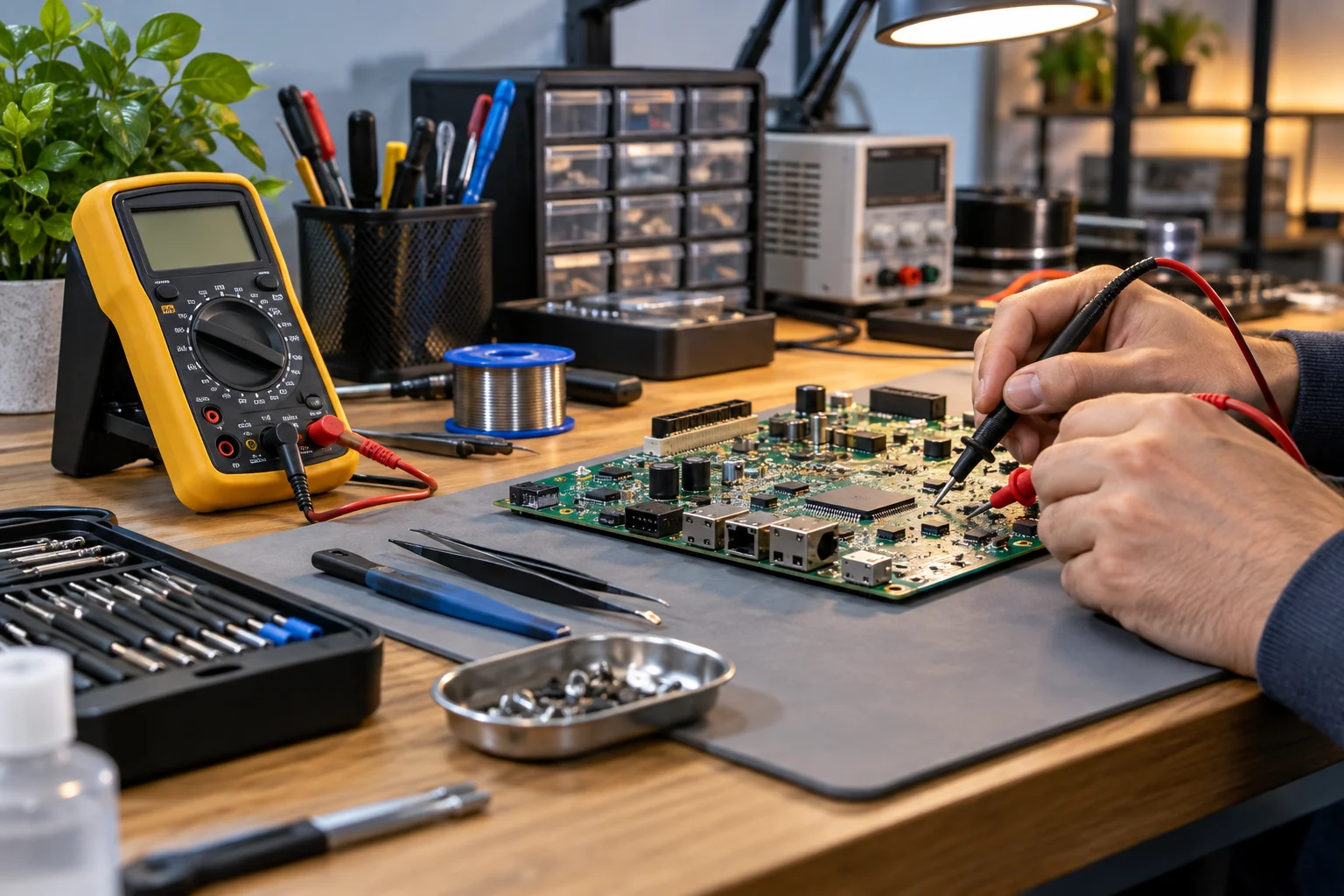
A useful device description starts with what happens, when it happens and which connections or functions are involved. The model and device history add context to that account.
Technical assessment connects those observations with inspection of the relevant components. Clear records help explain the proposed work and the checks performed after it.
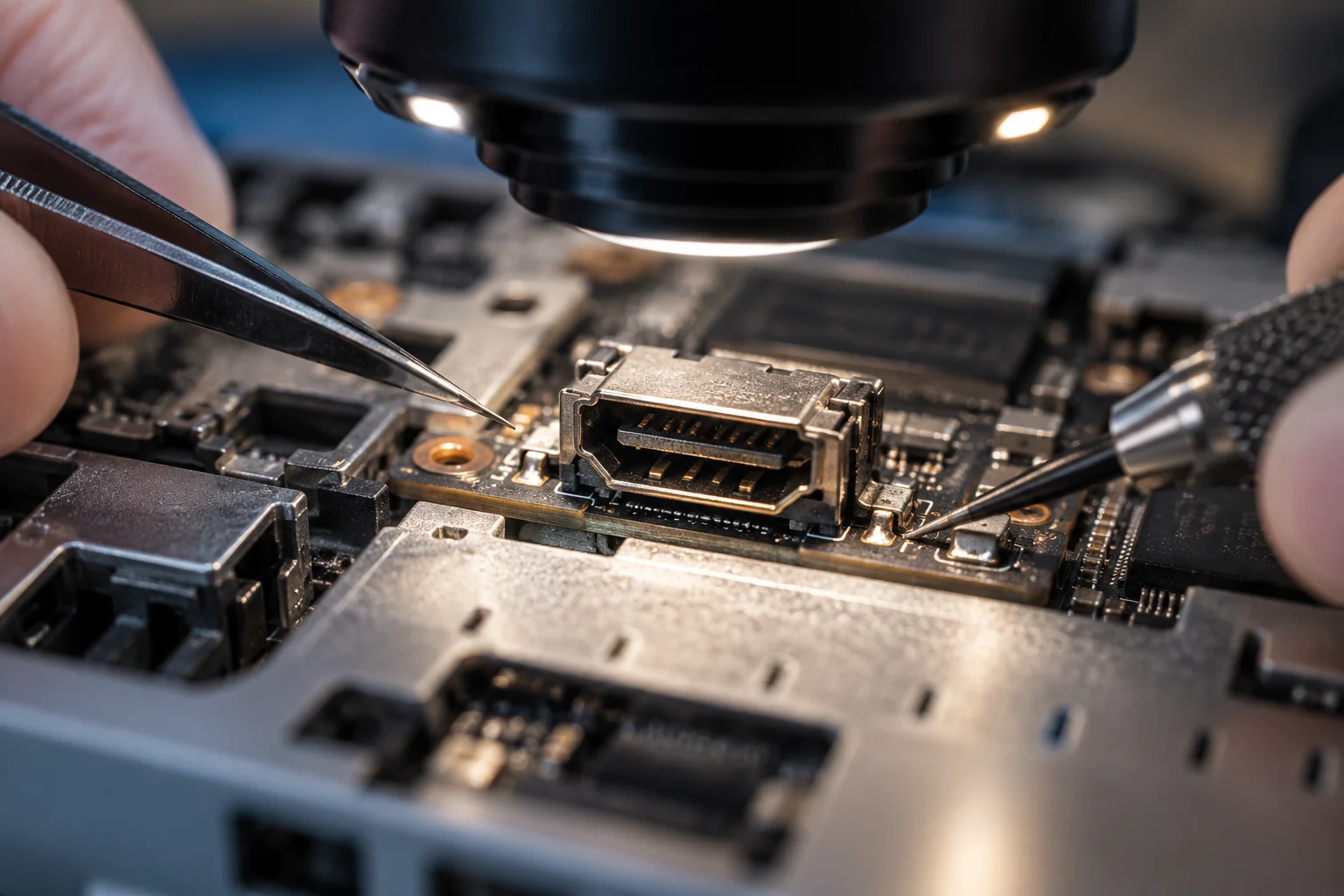
Litarfun focuses on a defined business purpose: console and gaming electronics repair. We separate the offer, preparation and agreement so that visitors can understand the next step. A clear description is more useful than an unsupported promise about results, availability or experience.
Describe the purpose, participants or project scope. This helps us select a suitable format rather than promise an outcome before understanding the brief.
Availability, price, timing and responsibilities are confirmed before the commitment. Browsing this website or sending an enquiry does not itself create an order or booking.
The agreed plan defines the responsibilities, schedule and how changes are handled. Cancellation and concern-handling terms belong in the confirmation.
At the end, check the agreed scope and any information needed for continued use. A follow-up conversation does not automatically create another paid commitment.
Give the model and a clear account of what changed, including error messages when available. Handover, diagnostic charges, repair approval and collection terms must be confirmed. Do not include passwords or payment details in the first enquiry.

A console that loses video, a controller that drifts and a PC that shuts down each need checks beyond the visible symptom. Share the model, when the issue happens and any previous work. An inspection identifies the next step; parts, labour, timing and repair limitations should be confirmed in the estimate before work is approved.
Prepare your objective, preferred timing and the information needed to assess the scope. Avoid sending unnecessary personal data, passwords or material you do not have permission to share. If the enquiry concerns a minor, a parent or guardian should handle the arrangements.
Repair begins with understanding the symptom in its context. A device that fails only with one cable or after a long session needs a different investigation from one that never starts. A clear intake record reduces the need to repeat the same questions later. The service process should keep diagnosis, authorisation and testing visible as separate decisions.
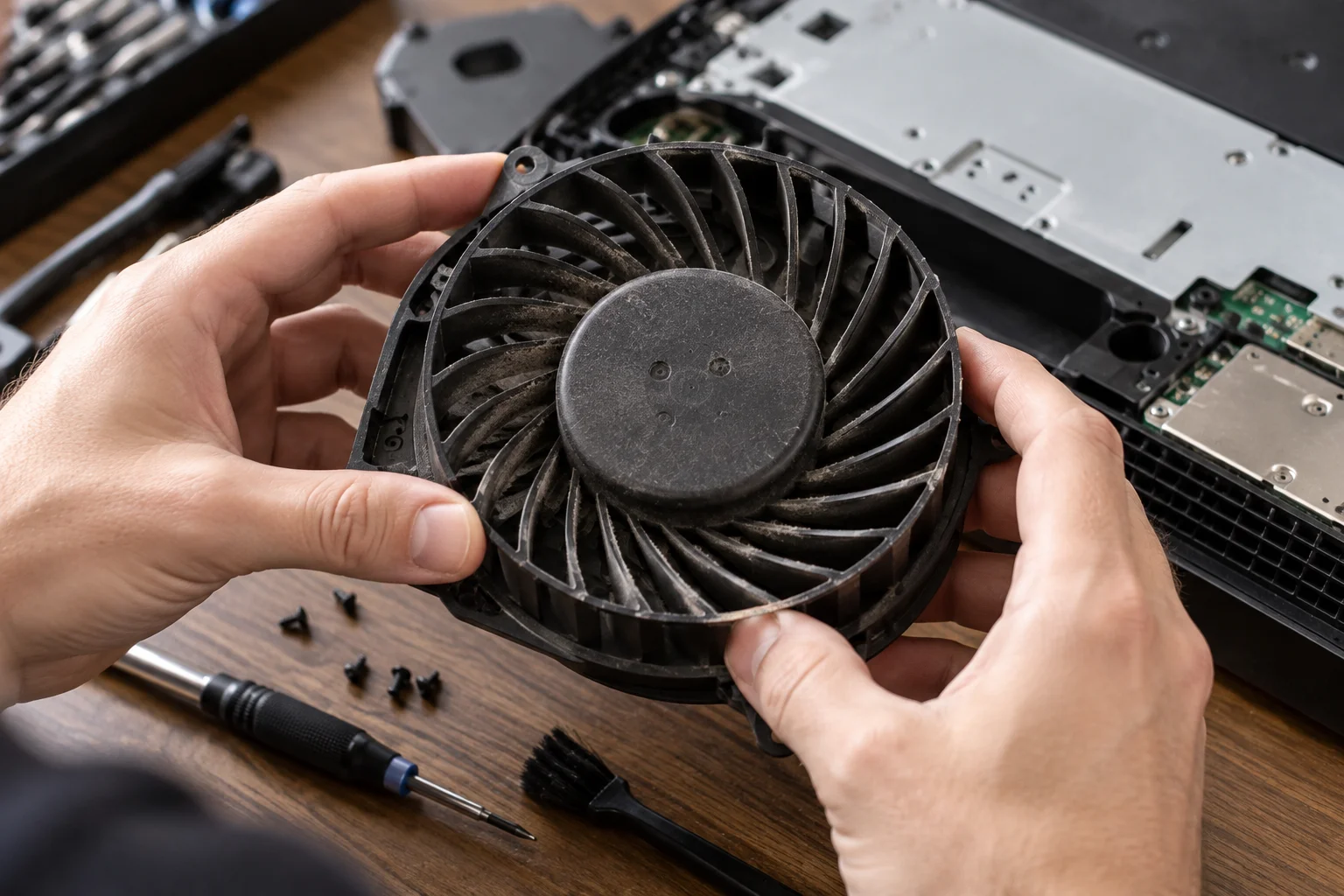
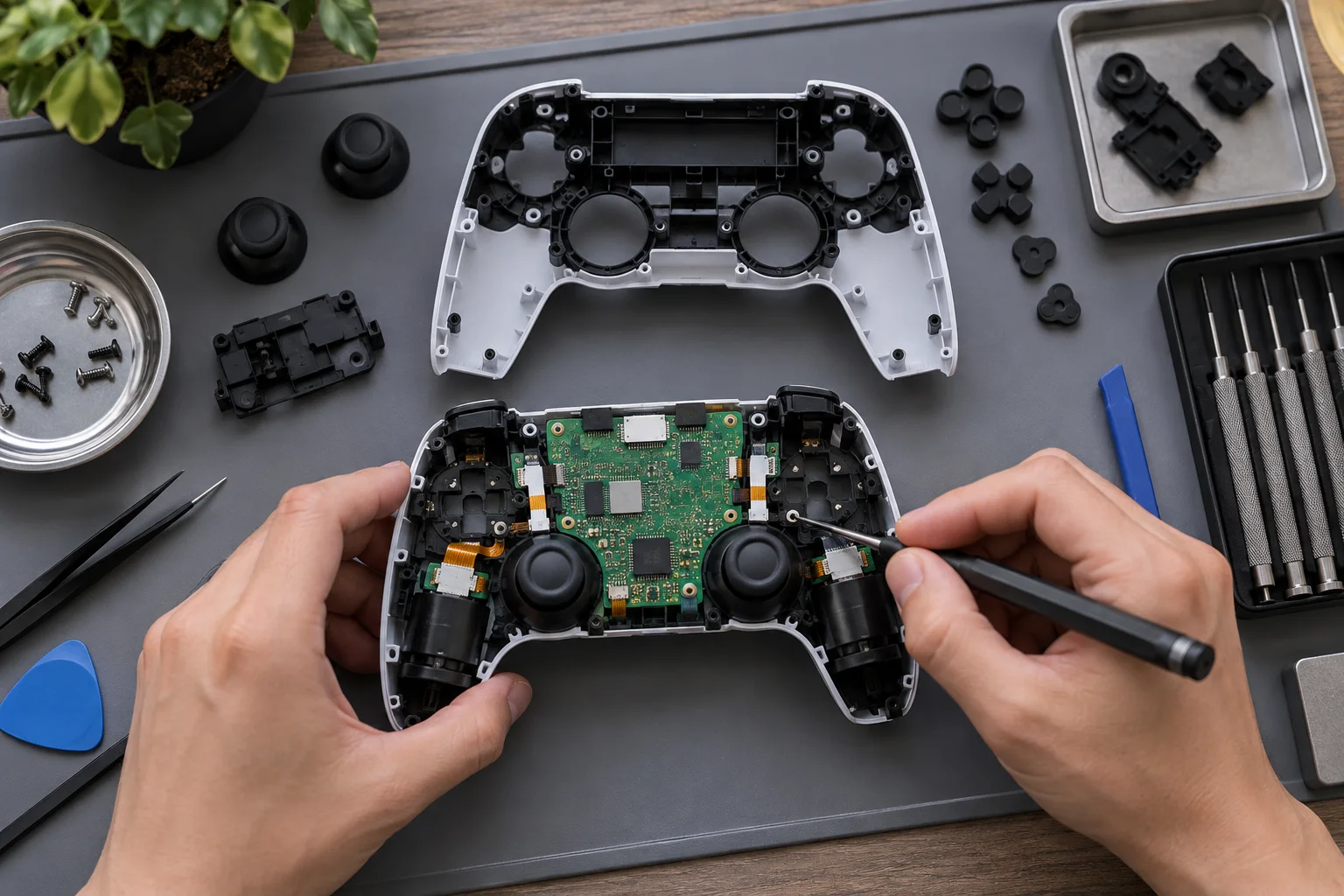
Describe the symptoms, model and any previous repair attempts. Inspection is needed before the cause, repair scope or quote can be confirmed.
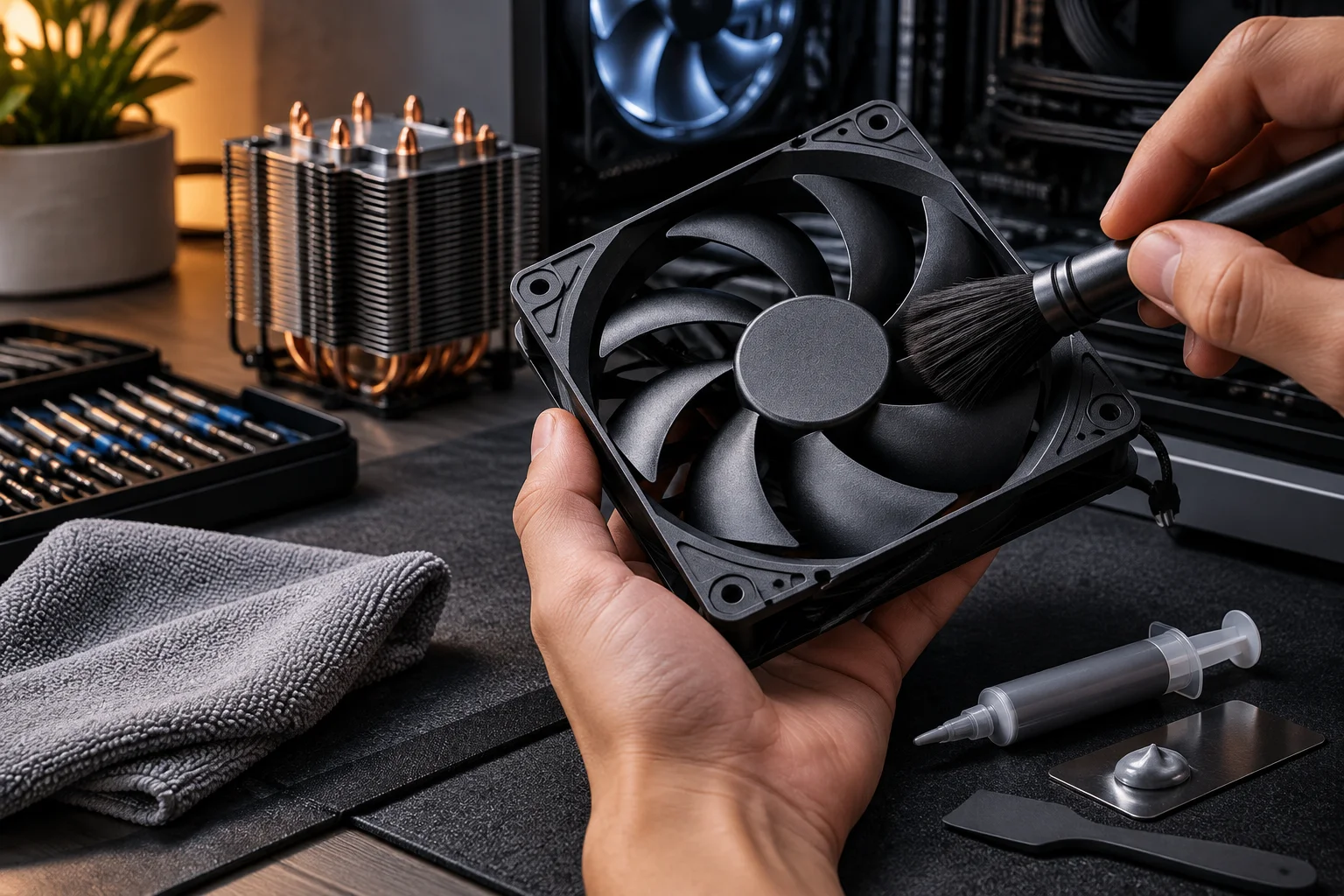
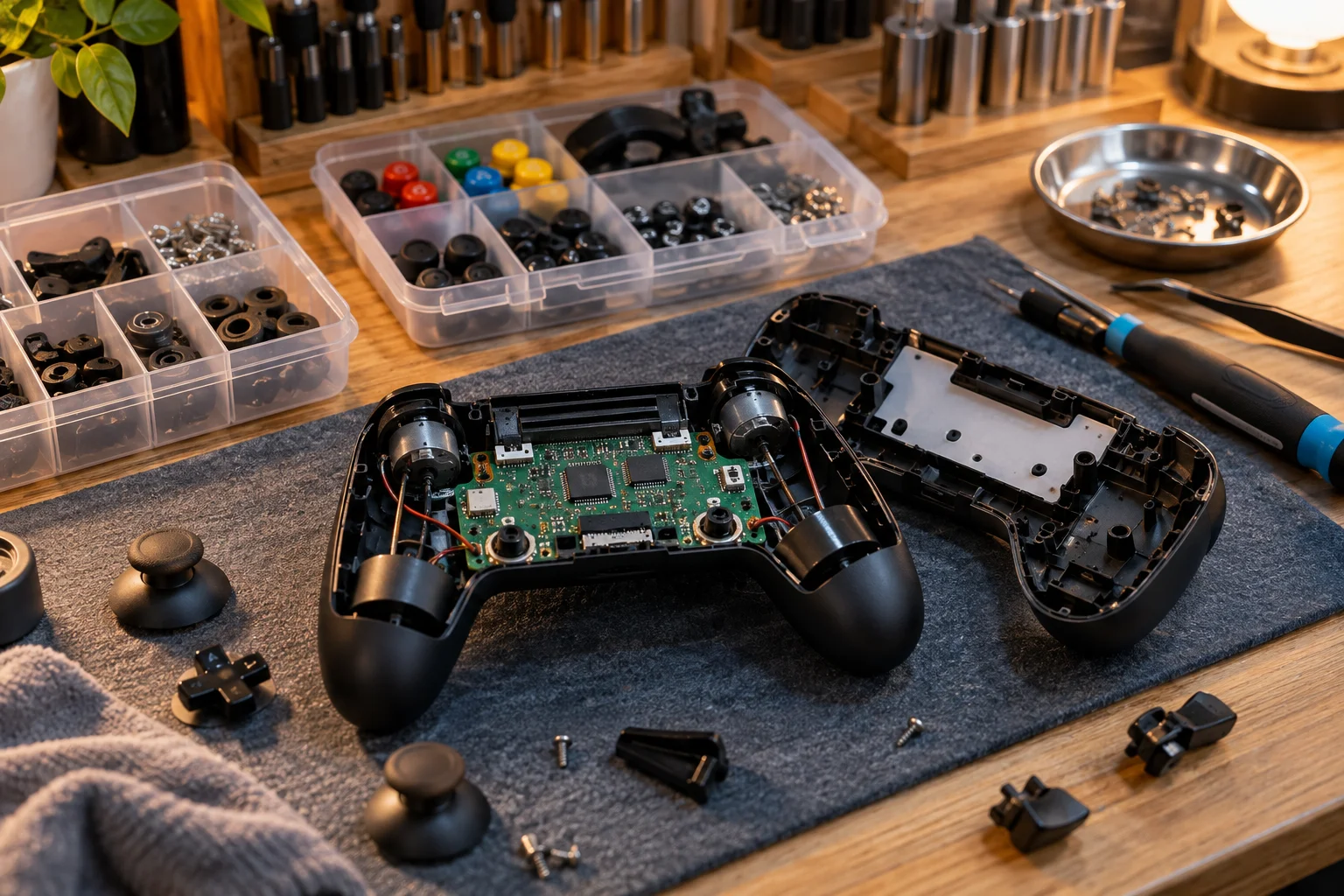
Stick drift, buttons, charging and connection faults can have different causes. We agree on the device and symptoms first, then confirm what the inspection covers.
A damaged port or thermal issue requires checks beyond the visible symptom. Parts availability, repair suitability and any limitations are discussed before approval.
Power, display, storage and stability problems require a structured investigation. Confirm what data may be accessed and back up important files before handing over the device.